


Chord ID in Logic Pro 12 Accelerates Chord Writing
Chord ID in Logic Pro 12 analyzes harmony, maps harmonic rhythm, and speeds production with smart chord tracks—tips for reliable results.
Chord ID in Logic Pro 12 arrives as a practical tool for producers and composers. Logic Pro 12 is Apple’s updated DAW for Mac and iPad, with Creators Studio integration. It combines audio, MIDI, and new harmonic analysis workflows in one streamlined app. Specifically, Chord ID extracts chord labels, identifies harmonic rhythm, and generates Chord Track data. However, it struggles with dense mixes and ambiguous voicings, so expect occasional inaccuracies. Importantly, you can drag audio, MIDI, or Voice Memos to transcribe progressions automatically. As a result, songwriting and arrangement tasks speed up, especially when using Apple Sound Library presets. At the same time, the analysis favors Western harmony, though Sculpture parameters let you adjust behavior. In practice, Chord ID unlocks auto-complete for Chord Tracks and harmonic presets from any audio. Overall, this feature feels powerful and accessible, but it still rewards human review and tweaking. We will explore workflows, limitations, and tips for reliable results in this guide.
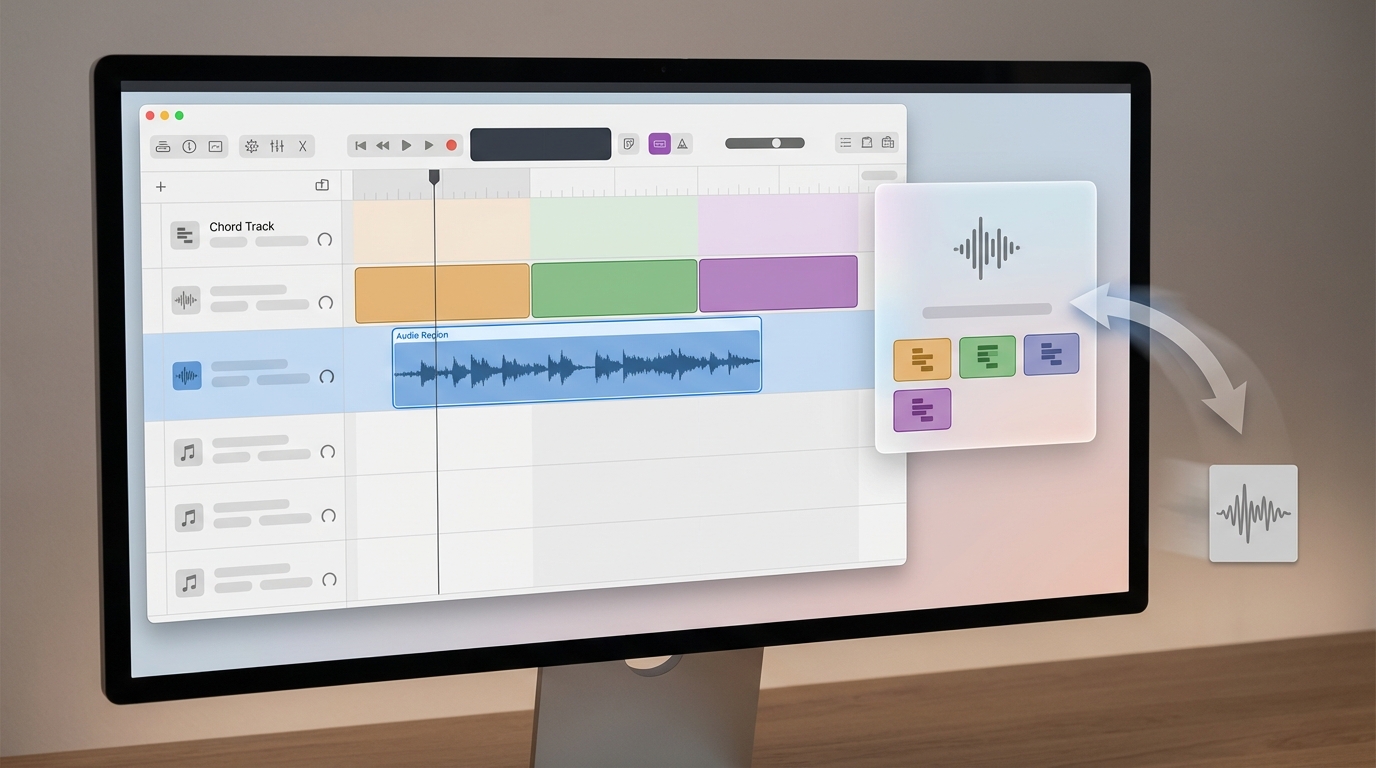
Harmonic Analysis: Chord ID in Logic Pro 12
Chord ID extracts chord labels and maps harmonic rhythm from audio or MIDI. It analyzes audio and MIDI and writes results to the Chord Track. As a result, you can see where chords change across a timeline. The feature targets Western harmony by default. However, you can alter behavior by adjusting Sculpture parameters to favor other timbres and interval emphasis. This makes the tool flexible for many production styles.
Chord detection accuracy and limitations
Chord ID performs well on clear, single-instrument recordings. Peter Kirn noted, “I’m really impressed with how good the harmonic analysis is — not only that it gets the chord right, but even the harmonic rhythm of the material — how often chords change.” However, the system can misidentify chords in dense mixes. Therefore, expect occasional errors with complex voicings or heavy polyphony. You should always proof the Chord Track against the source audio. In practice, small edits or manual corrections improve musical results.
Harmonic rhythm and workflow effects
Beyond label detection, Chord ID estimates harmonic rhythm. This means Logic suggests when chords change and for how long. Consequently, auto-complete makes Chord Tracks fast to use. You do not need to enter every chord manually anymore. For many users, that speeds arrangement and songwriting significantly.
Drag and drop transcription: audio, MIDI, and Voice Memos
A key strength of Chord ID is its drag and drop workflow. You can drag audio, MIDI, or Voice Memos directly into the Chord ID panel to transcribe progressions. First, the entire Apple Sound Library is already pre-analyzed with Chord ID, so loops and instruments often come with harmonies ready to use. For more hands-on context, see the original hands-on coverage on Create Digital Music: here. Also review official Logic Pro feature details here.
Integration and creative uses
Chord ID unlocks harmonic presets from any audio instead of fixed progressions. As Peter Kirn put it, “Chord ID is important, not just because of its analysis powers, but because of a number of features it unlocks across Logic in both iPad and Mac versions.” Because the Apple Sound Library is pre-analyzed, you can drop loops into the Chord Track and immediately audition harmonized parts. Although the analysis stays Western-centric, tweaking Sculpture parameters and manual edits expands its musical reach.
Practical tip
Always treat Chord ID results as a starting point. Use manual adjustments and the Chord Track editor to refine voicings and harmonic function. This balance yields quick ideas and reliable production-ready progressions.
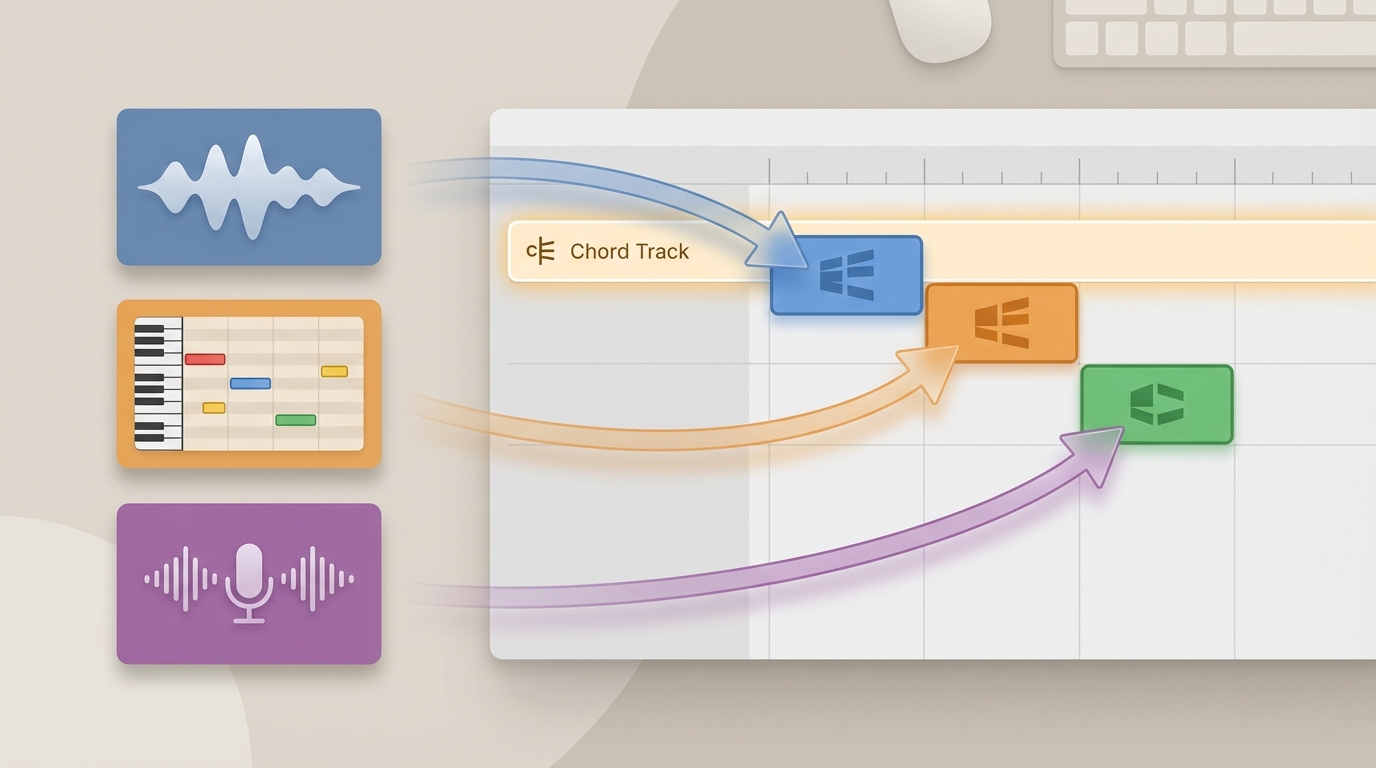
Chord ID in Logic Pro 12: Ecosystem integration and workflow improvements
Logic Pro 12 brings Chord ID into the heart of Logic’s production workflows. The feature ties directly into Chord Tracks, session players, and the arrange window. As a result, creating harmonic structure becomes faster and more visual. At the same time, you still control and correct results manually when needed.
Key workflow improvements and user benefits
- Auto-complete for Chord Tracks speeds up arrangement and songwriting. Therefore you enter fewer manual changes and stay in flow.
- Drag and drop audio, MIDI, or Voice Memos into Chord ID for instant transcription. This makes idea capture on iPad and Mac seamless.
- Apple Sound Library comes pre-analyzed with Chord ID, so loops often load with harmonic data already present. As a result, you can audition harmonized presets immediately.
- Cross-platform compatibility means the same Chord ID workflows work on Mac and iPad. Also your projects remain portable across devices.
- Integration with existing Logic features like Session Players and Tempo Track strengthens creative routing. Consequently, scored parts and tempo-based edits align with detected harmony.
- Any audio can act as a harmonic preset instead of fixed progressions. This unlocks new creative modulation and remix approaches.
Subscription and upgrade context
Existing Logic owners get the upgrade for free. Meanwhile, new users can buy Logic Pro as a one-off purchase. Apple also bundles Logic Pro 12 with Creators Studio for those who prefer a subscription. Creators Studio costs about thirteen dollars per month, and it includes both Mac and iPad access. For official feature details, see Apple’s Logic Pro page. For hands-on impressions and quotes, see the CDM article.
Practical outcomes and tips
Because Chord ID reduces manual entry, you prototype chord ideas faster. However, you should still proof the Chord Track on dense mixes. Finally, treat Chord ID as an accelerator and a starting point for creative decisions.
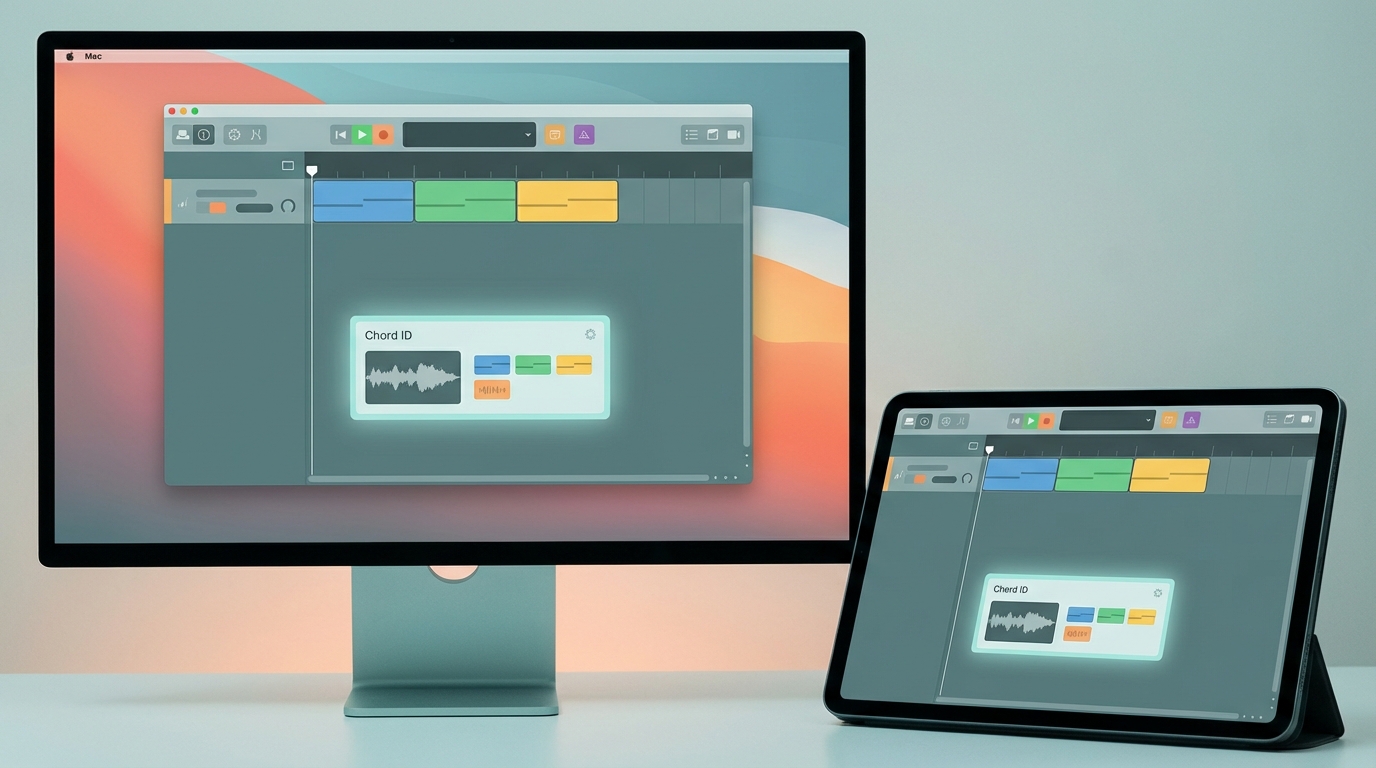
Chord ID in Logic Pro 12 marks a practical shift for electronic music producers and arrangers. It speeds chord discovery and sketching, so writers capture harmonic ideas faster than before. Because it writes chord data to the Chord Track, workflow friction drops during arranging. Peter Kirn highlights its strength in detecting both chords and harmonic rhythm in clean material. However, the analysis can falter on dense mixes or complex voicings, so review matters. Fortunately, Logic allows manual editing and Sculpture parameters to adjust the analysis character. Also, Apple Sound Library pre-analysis and drag-and-drop from Voice Memos or MIDI make prototyping immediate. As a result, producers can turn a quick idea into a harmonized arrangement in minutes. The free upgrade for existing users and Creators Studio access on Mac and iPad widen adoption. Try Chord ID as an assistant, not an oracle, and treat its output as a starting point today.
