


Launch Control XL 3 V1.1: Enhanced DAW, MIDI Routing
Launch Control XL 3 firmware update (V1.1) with enhanced DAW support and MIDI routing brings tighter DAW integration and more precise control.
Novation’s Launch Control XL 3 firmware update (V1.1) with enhanced DAW support and MIDI routing is now available. It delivers a focused set of workflow and performance improvements for both studio and live use. For example, DAW compatibility extends to Pro Tools and Reaper. Studio One support is assumed through the Fender Studio Pro rebrand.
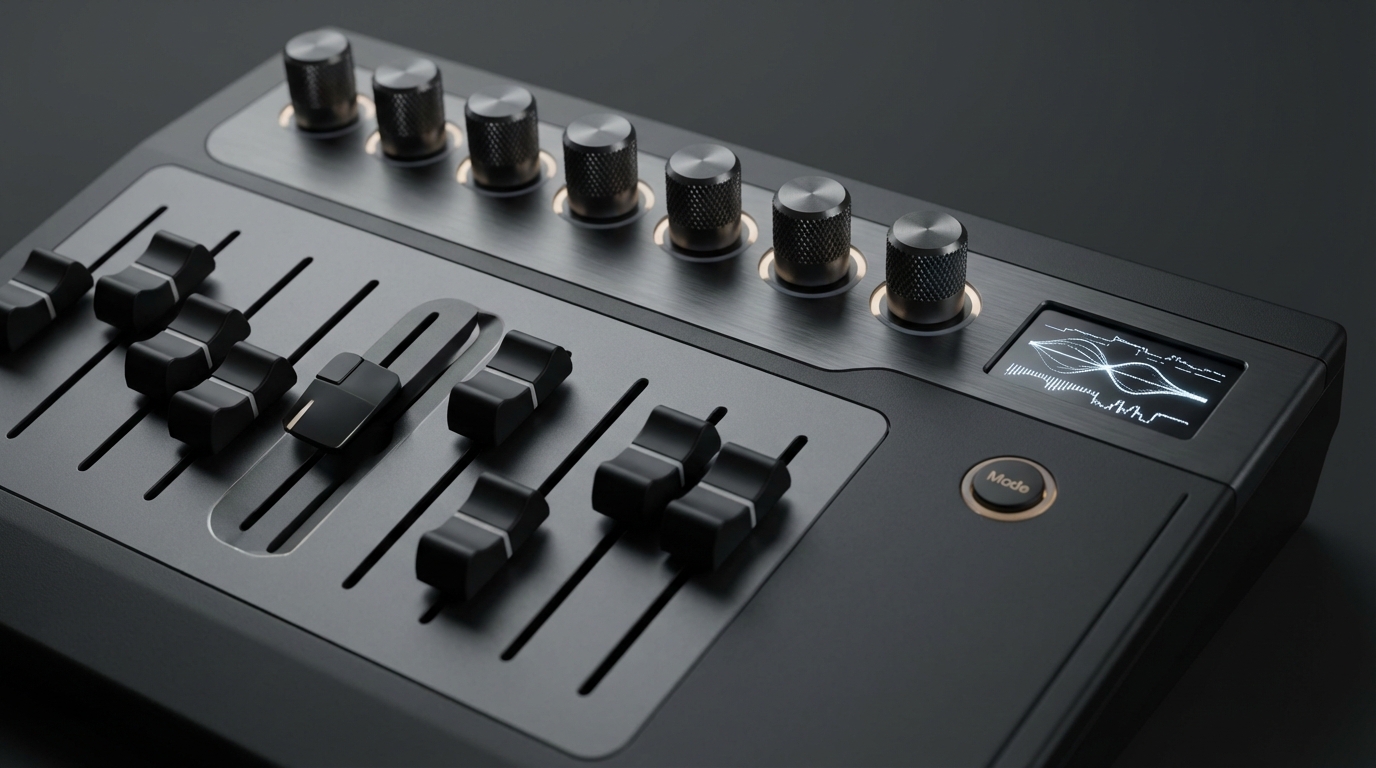
The update also expands MIDI routing by adding USB-to-DIN MIDI passthrough for hybrid setups. Users can adjust encoder response for more precise expressive control. Faders now support pick up, so they will pick up their previous position instead of jumping to new values. A fader preview displays a parameter’s current value on the OLED screen by holding Shift and moving a fader. As a result, mapping and confirmation become faster in complex projects.
Custom Mode selection is quicker by holding the Mode button, selecting a mode, then releasing. Download V1.1 now via Novation Components to apply the fixes and new features. Overall, the V1.1 refresh tightens routing, deepens DAW integration and improves hands-on control. Therefore, producers and live performers should see immediate practical benefits.
Launch Control XL 3 V1.1 DAW compatibility improvements
Novation’s V1.1 update expands DAW compatibility and tightens integration for common workflows. MusicTech reported the update adds official support for Pro Tools and Reaper, improving out of the box mapping and behaviour. See their coverage here.
Because Studio One has been rebranded as Fender Studio Pro, V1.1 assumes compatibility with that platform too. Fender’s announcement explains the rebrand and ecosystem updates: here. Novation hosts the V1.1 download and update notes at their Components page: here.
Key DAW compatibility highlights
- Official Pro Tools integration and mapping improvements, which reduce manual MIDI learn steps. For related product details see Avid knowledge base: here
- Reaper ready with improved control templates and stable MIDI handling for automation lanes. More from Reaper: here
- Fender Studio Pro compatibility assumed, so existing Studio One workflows should transfer more smoothly.
- Cleaner merged control data and channel filtering for hybrid setups, reducing parameter conflicts.
- Faster Custom Mode selection and better preset recall when switching between DAWs, which speeds live and studio sessions.
As a result, producers and performers will see fewer mapping glitches and faster setup. Therefore, V1.1 makes the Launch Control XL 3 more reliable across common DAWs and hybrid setups.
Expanded MIDI routing and control improvements
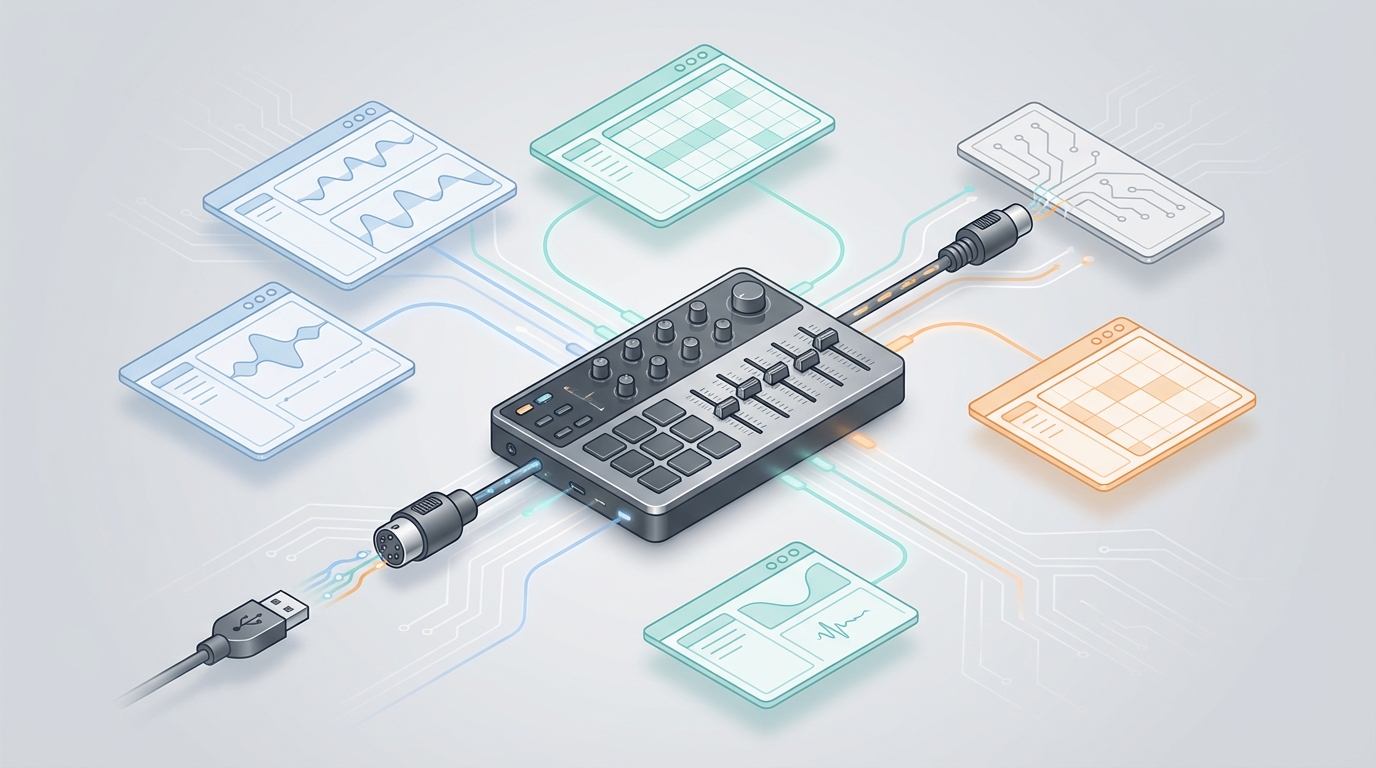
The V1.1 firmware adds flexible MIDI routing aimed at hybrid setups. USB-to-DIN MIDI passthrough lets the Launch Control XL 3 bridge USB host signals to external DIN hardware. This enables direct hardware synth control without extra boxes. Because merged control data can now be managed more cleanly, you can combine USB and DIN sources. Channel filtering reduces parameter conflicts by limiting which MIDI channels pass through.
Control behaviour gets focused precision upgrades. Encoders now let you adjust response curves for more precise expressive control. This helps when sweeping parameters or nudging values slowly. Faders support a pick up mode. They will pick up their previous position instead of jumping to a new value. As a result, you avoid loud level jumps during a live set.
Key routing and control features
- USB-to-DIN MIDI passthrough for direct hardware interfacing
- Merged control data handling to combine multiple sources smoothly
- Channel filtering to prevent unintended CC or note data collisions
- Encoder response adjustment for precise, expressive parameter changes
- Fader pick up to retain previous positions and avoid value jumps
- Fader preview on the OLED via Shift plus fader move for quick confirmation
Sam Roche at MusicTech highlighted the encoder change. He wrote it allows more precise expressive control. He also noted faders will pick up their previous position. Therefore, these changes help maintain continuity when switching performance modes.
Read the full MusicTech write up for technical detail and examples: Read More. Novation hosts the V1.1 files and release notes here: View Docs.
Together, these routing and control updates improve hybrid workflows. As a result, performing DJs and studio producers can combine software and hardware with fewer compromises.
Installing the Launch Control XL 3 firmware update (V1.1)
The Launch Control XL 3 firmware update (V1.1) with enhanced DAW support and MIDI routing became available on 29 January 2026. You can download it now from Novation Components. First, connect your controller to a computer and open Components. Then follow the on-screen firmware install prompts. Novation’s download and support page is here: Novation Downloads. For background reading, see the MusicTech rundown: MusicTech Rundown.
Practical update tips
- Make a quick backup of custom modes and presets in Components before updating. This protects your mappings.
- Use a reliable USB cable and a stable power source. Otherwise, the update may fail.
- Close your DAW and any MIDI utilities during the install to avoid port conflicts.
- After updating, restart your computer and reconnect the Launch Control XL 3.
- Verify encoder response and fader pick up in a simple test project. Also, check USB-to-DIN routing if you use external hardware.
If an issue occurs, consult Novation support and roll back only when advised. Overall, the V1.1 update installs quickly and brings immediate workflow gains.
Conclusion
The Launch Control XL 3 firmware update (V1.1) with enhanced DAW support and MIDI routing marks a meaningful refinement. It tightens integration with major DAWs and streamlines hybrid hardware setups. Therefore, it raises reliability for live performances and studio sessions.
Professional DJs gain stable mappings and faster setup times. Moreover, enthusiasts get finer tactile control through encoder response adjustment. Fader pick up prevents sudden level jumps during sets. As a result, users enjoy smoother workflows and fewer surprises on stage.
The USB to DIN passthrough and channel filtering broaden connectivity options. Consequently, combining software and legacy hardware becomes practical and efficient. Novation’s Components delivery model also simplifies firmware maintenance.
Looking ahead, this update signals ongoing firmware innovation from Novation. We expect future updates to expand control depth and integration. Finally, both pros and hobbyists will benefit from these steady improvements.
