


Sonarworks and Dolby launch free Atmos headphone profile tool
Discover Personalized Dolby Atmos headphone profile via Sonarworks and Dolby, delivering tailored monitoring for creators built from a quick head scan.
Imagine mixing Dolby Atmos on headphones that adapt to your unique ears and head shape.
The new SoundID Reference Tools mobile app creates a Personalized Dolby Atmos headphone profile via Sonarworks and Dolby, enabling creators to monitor immersive audio more accurately. By scanning your head, ears and shoulders with a phone camera, it maps individual acoustics and builds a precise calibration profile. As a result, the app delivers a tailored headphone calibration profile at no cost and fits into modern production setups.
Sonarworks and Dolby partnered to bridge calibration expertise with immersive audio technology for creators across genres. Therefore electronic music producers and DJs gain better spatial accuracy and improved timbral accuracy while monitoring. Moreover, the profile loads into the Dolby Atmos Renderer or compatible DAWs for seamless workflow. This portability lets DJs check immersive mixes outside the studio and during live sets. Meanwhile, producers can trust headphone monitoring to reflect true stereo and object-based positioning.
It also supports SoundID Reference calibration and integrates with existing workflows and plugin chains. Therefore more creators will finish immersive mixes that translate reliably to speakers and venues worldwide.
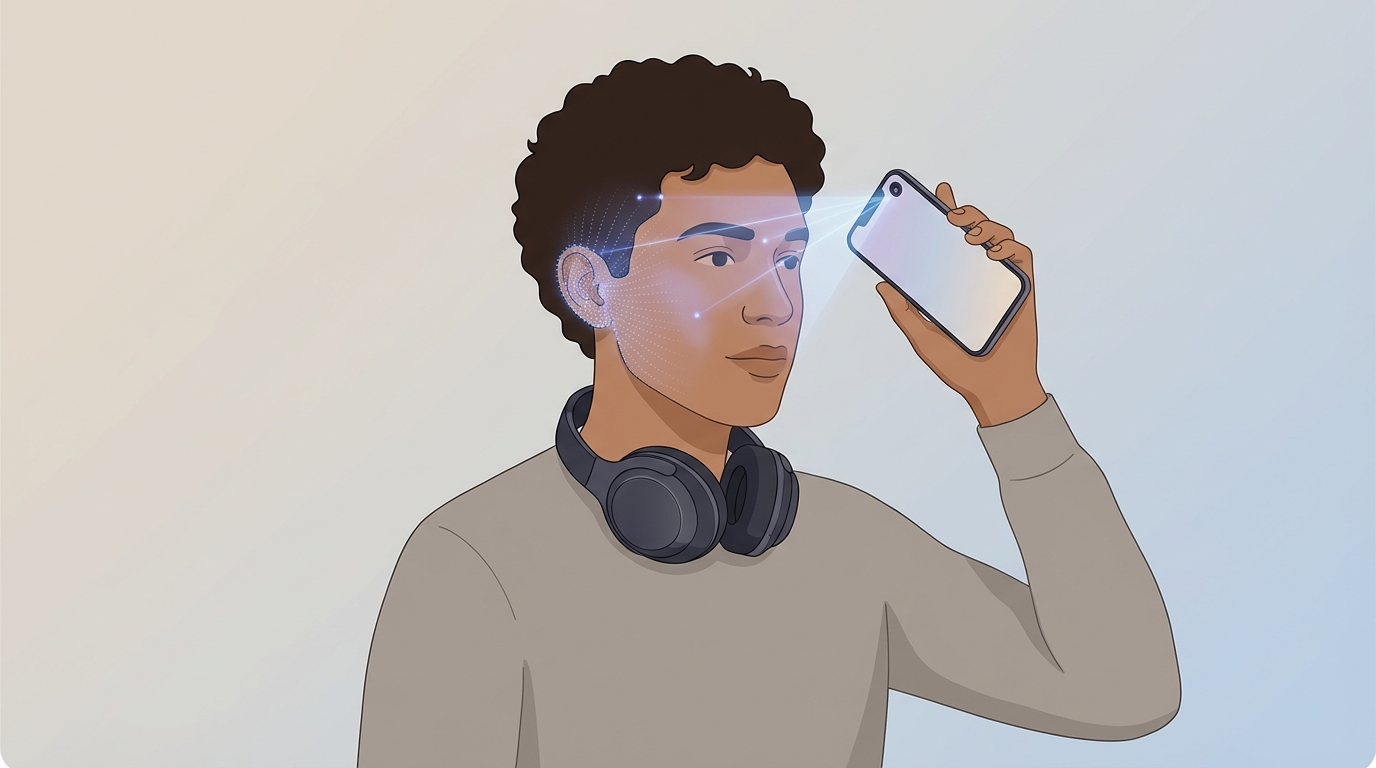
How Personalized Dolby Atmos headphone profile via Sonarworks and Dolby works
Sonarworks and Dolby Laboratories teamed up to make headphone monitoring for immersive audio more accurate. By combining Dolby’s object-based Atmos technology with Sonarworks’ measurement and calibration expertise, the partnership creates headphone profiles tailored to each listener. The SoundID Reference Tools mobile app images a user’s head, ears and shoulders with a phone camera. As a result, the system builds a 3D-informed calibration profile. The app will be available free on iOS and Android, and the profile can load into the Dolby Atmos Renderer or any compatible DAW for direct monitoring use. For more background on the announcement see the coverage at MusicTech.
Key features and benefits for Dolby Atmos headphone monitoring
- Individualized 3D imaging using the phone camera improves head-related transfer function accuracy. Therefore spatial cues map more closely to real listening.
- Free mobile app availability removes cost barriers for creators, so more people can access calibrated monitoring.
- Profiles export to Dolby Atmos Renderer and compatible DAWs, which means seamless integration into existing workflows.
- Improved spatial accuracy enhances object placement and perceived depth in Atmos mixes.
- Enhanced timbral accuracy helps mixes translate better to speakers and venues.
- Portable profiling supports DJs and electronic producers who need reliable monitoring on the go.
- Compatibility with the SoundID Reference ecosystem allows creators to use familiar calibration chains.
- Targets both hobbyists and professionals, therefore raising the baseline for headphone-based immersive mixing.
For technical details on Sonarworks’ multichannel and Atmos support, see Sonarworks’ product page: Sonarworks.
Voices from the partnership
These pull quotes break the text and show real endorsement. They highlight why personalized headphone profiling matters.
“Every creator’s physical characteristics are unique, which affects how they experience immersive audio over headphones.”
— David Gould
“By combining Dolby’s technology with Sonarworks’ calibration expertise, the app enables more accurate Dolby Atmos monitoring. We are excited to work with them, and our DAW partners, to bring advanced headphone experiences to Dolby Atmos creators everywhere.”
— Martins Popelis
“At Sonarworks, our mission has always been to help creators hear their mixes accurately and with confidence, no matter where they work. We are thrilled to partner with Dolby to help Dolby Atmos creators make great sounding immersive mixes on headphones as well as deliver more value to the broad community of users who rely on SoundID Reference calibration for accuracy.”
— Sam
Using the Personalized Dolby Atmos headphone profile via Sonarworks and Dolby
The SoundID Reference Tools mobile app captures your head, ears and shoulders with a phone camera. Then it processes that image into a 3D-informed calibration map. As a result, Sonarworks generates a personalized Dolby Atmos headphone profile free of charge. Because the profile reflects your physical cues, headphone monitoring becomes more accurate. This improves both spatial placement and timbral balance when working in Atmos.
SoundID Reference Tools mobile app workflow and DAW (Digital Audio Workstation) compatibility
Follow these simple steps to create and use a profile:
- Open the SoundID Reference Tools mobile app on iOS or Android.
- Use your phone camera to image your head, ears and shoulders.
- Allow the app to build a 3D head-related transfer function model.
- Export the resulting personalized Dolby Atmos headphone profile.
- Load the profile into the Dolby Atmos Renderer or a compatible DAW plugin.
The profile integrates with common Atmos workflows. For instance, you can import it into the Dolby Atmos Renderer. Also you can use it inside a DAW for monitoring while you mix. For technical context, see Sonarworks’ multichannel support: Sonarworks multichannel support. Moreover, read coverage of the announcement here: MusicTech announcement coverage.
Practical benefits for electronic producers and DJs
- Better object placement lets producers position elements precisely in 3D space. Therefore immersive percussion and bass lines lock in more clearly.
- Improved timbral accuracy helps mix elements translate to clubs and systems. As a result, bass response and high-end clarity become more reliable.
- Portable profiling enables DJs to preview Atmos mixes outside the studio. Also it allows quick checks before live sets or remote sessions.
- Free app access lowers the barrier for experimentation, so more creators can adopt Atmos monitoring.
In short, the app turns a smartphone into a fast, accessible head measurement tool. Consequently creators gain trustworthy headphone monitoring for Dolby Atmos mixing.
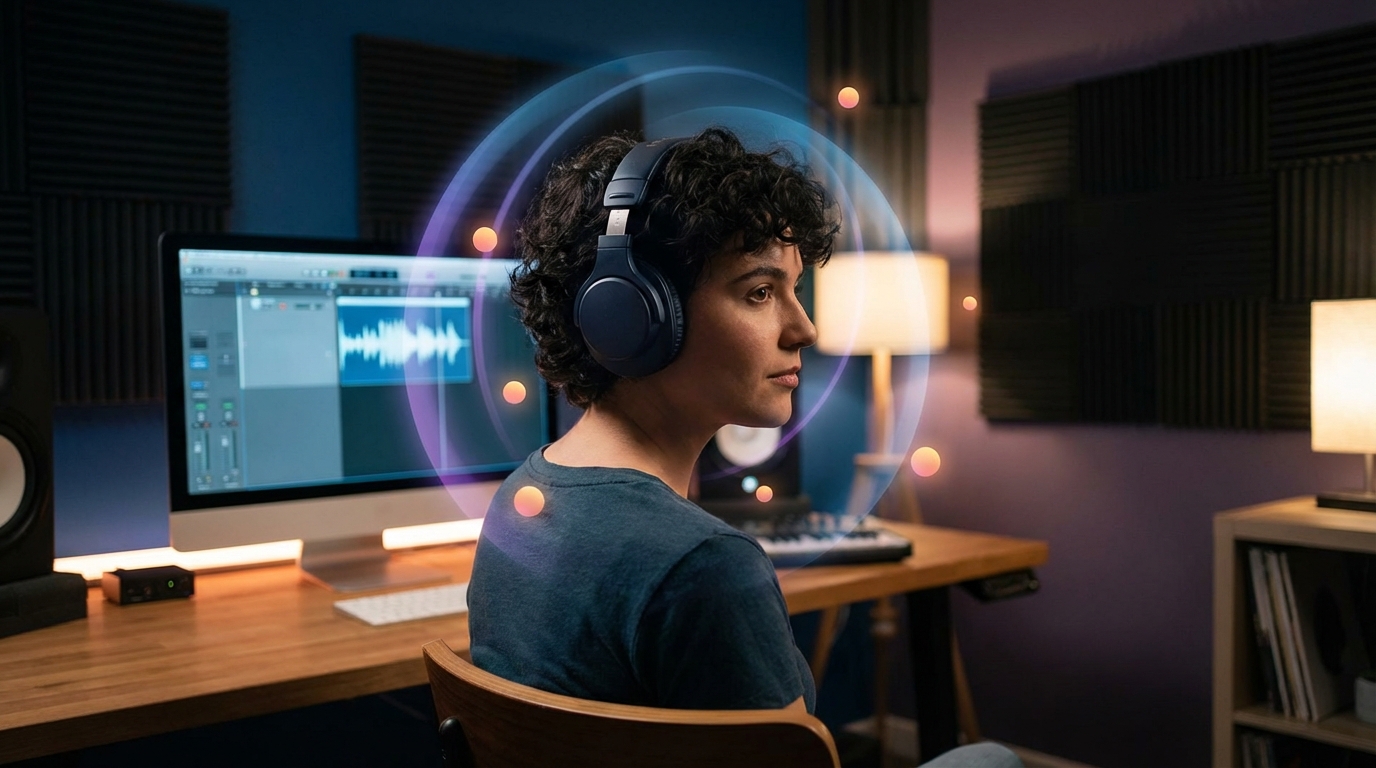
The Personalized Dolby Atmos headphone profile via Sonarworks and Dolby gives creators precise headphone monitoring. By using a phone camera to capture head, ears and shoulders, the app models your head-related transfer function. As a result, mixes sound more spatially accurate and tonally balanced on headphones.
The free SoundID Reference Tools mobile app makes calibration fast and accessible. Therefore producers, DJs and immersive engineers can adopt Atmos workflows without major expense. Moreover, the profile loads into the Dolby Atmos Renderer and common DAWs for seamless use.
The Sonarworks and Dolby partnership blends calibration expertise with immersive rendering technology. Consequently creators gain confidence that headphone mixes will translate to speakers and venues. This improvement helps electronic music producers place low end and spatial effects with greater certainty.
Looking ahead, this innovation lowers barriers to immersive audio creation and raises overall mix quality. In short, the app empowers creators to monitor Dolby Atmos confidently wherever they work. Because it is free and portable, more artists will experiment with immersive formats and push the medium forward.
